Remotion vs HyperFrames: Complete Architectural, Speed & Licensing Breakdown
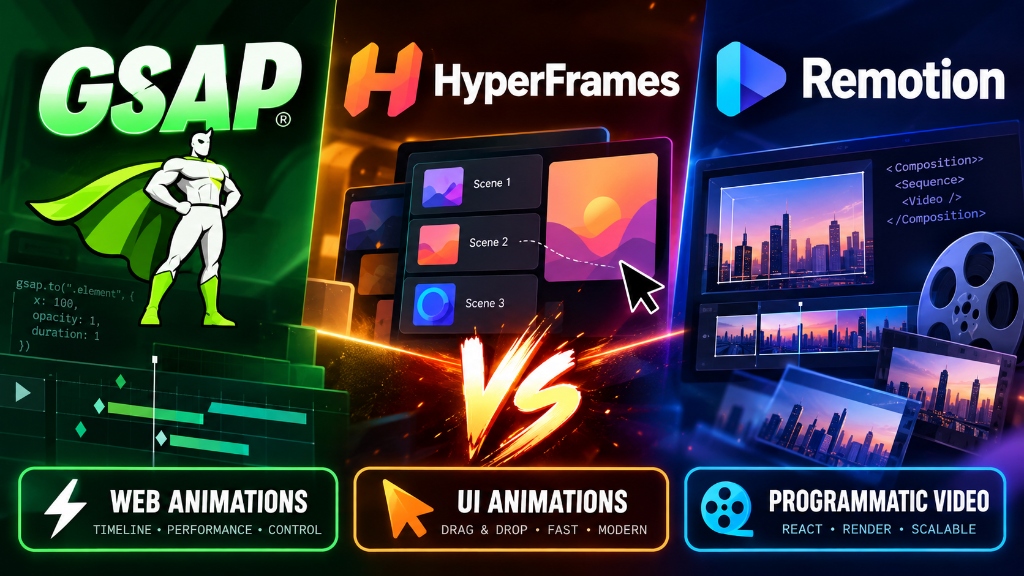
⚡ Video Summary
Modern engineering teams are systematically replacing manual timeline editing with code-to-video automation pipelines. When evaluating modern tools, developers frequently compare Remotion and HeyGen HyperFrames alongside the industry-standard GSAP animation engine.
📌 Complete Technical Teardown: Read our full architectural decision matrix, benchmark data, and code templates on SoftReviewed: GSAP vs HyperFrames vs Remotion.
1. Understanding the Core Roles
Rather than direct substitutes, these tools fulfill complementary roles across the video production stack:
- GSAP (The Motion Designer): Provides sub-pixel tweening, physics-based springs, and SVG manipulation running natively in Chromium.
- HyperFrames (The Video Snapper): Converts lightweight HTML/CSS animations into deterministic MP4 clips with zero complex framework overhead.
- Remotion (The Cloud Studio): Orchestrates full multi-scene video timelines, audio synchronization, auto-generated subtitles, and massive cloud rendering clusters.
2. Official Developer Quickstart Commands
Get started with each tool in seconds:
npm install gsap— Install GreenSock for high-performance web animations.npx hyperframes render scene.html— Render standalone HTML animations into MP4 video clips.npx create-video@latest— Bootstrap an enterprise-grade React video project with Remotion.
3. Licensing & Commercial Deployment
Ensure your team understands the legal and commercial terms:
- GSAP: Free standard license; requires paid Business Green license if charging multiple end users.
- HyperFrames: 100% open source under Apache-2.0 with zero commercial restrictions.
- Remotion: 100% free for individuals, non-profits, and companies with under $1M annual revenue; commercial license required for larger enterprises.


Comments
Post a Comment