One Minute AI Make.com Integration: Unlock 20+ Premium AI Tools & Streamline Your Workflow
One Minute AI Make.com Integration: Unlock 20+ Premium AI Tools & Streamline Your Workflow
Streamlining AI Workflows with One Minute AI and Make.com
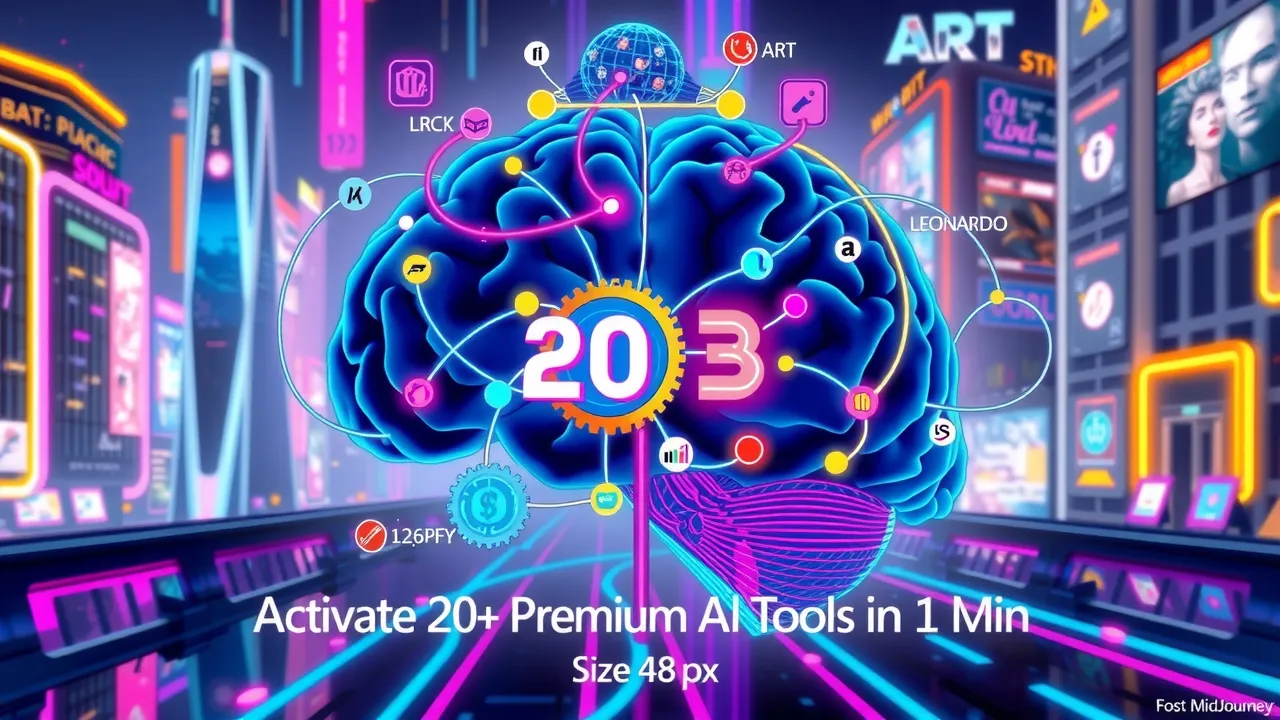
Are you looking to enhance your workflow with AI capabilities? In this article, we'll explore the integration of One Minute AI with Make.com, a powerful automation tool. This integration enables you to access over 20 premium AI tools, including MidJourney, LUMA, and Leonardo, and automate various AI tasks.
What You'll Learn
In this tutorial, you'll learn how to set up the One Minute AI Make.com integration and leverage its features to enhance your workflow. We'll cover the following topics:
- Getting and copying the API key setup
- Adding assets and document chat functionality
- Supported file types explanation (PDF, DOC, DOCX, etc.)
- Introduction to image generation features
- Generating first image example
- Background removal process
- Alternative image generation options (Stable Diffusion & Midjourney)
- Midjourney variation attempts and timeout issues
- Search and replace functionality demo
- Text removal feature demonstration
- Google speech-to-text and text-to-speech features
- Discussion of API limitations and server speed issues
- Review of stable diffusion video generation results
By the end of this tutorial, you'll have a comprehensive understanding of the One Minute AI Make.com integration and be able to automate various AI tasks to enhance your workflow.
Main Features of the One Minute AI Make.com Integration
The One Minute AI Make.com integration offers a range of features that enable you to automate various AI tasks. Some of the main features include:
- API authentication and conversation ID creation
- Document chat functionality (PDF, DOC, CSV, SRT files)
- Image processing capabilities (background removal, 3D conversions)
- Speech-to-text features (OpenAI Whisper, Google)
- Chat with images using advanced AI models
- Handling multiple file types under 50MB
These features enable you to streamline your workflow and automate various AI tasks, making it an ideal solution for automation enthusiasts, developers, and anyone looking to enhance their workflow with AI capabilities.
For a more detailed explanation of each feature, watch the full video tutorial on YouTube.
Conclusion
In conclusion, the One Minute AI Make.com integration is a powerful tool that enables you to automate various AI tasks and enhance your workflow. By following this tutorial, you'll be able to set up the integration and leverage its features to streamline your workflow. For more insights, make sure to watch the video on YouTube 📹.


Comments
Post a Comment